
Start With the Garment, Not the Machine
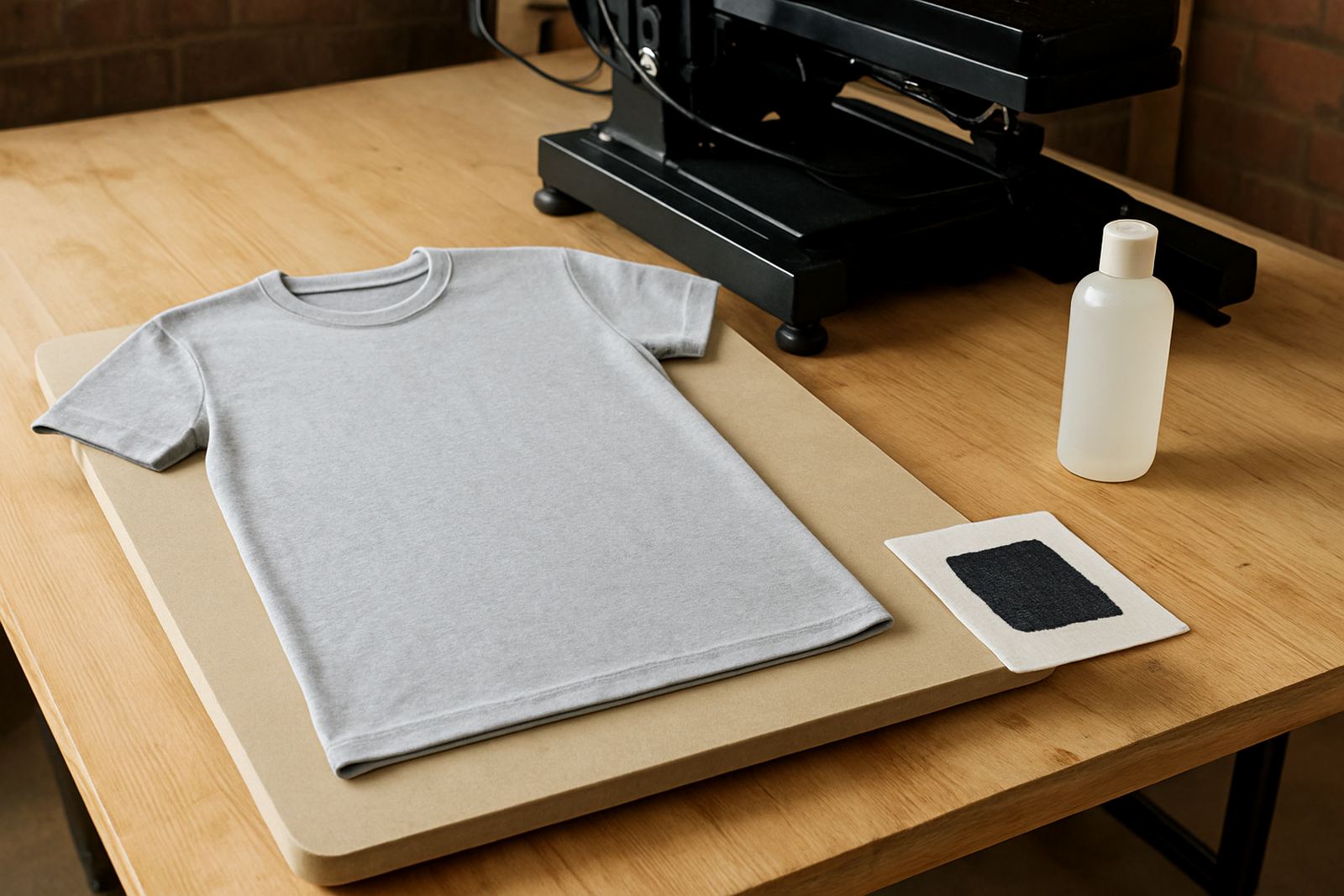
Before you mix pretreat or switch on the press, check the shirt itself. Dark cotton behaves differently from a blended knit, and the fabric weight, weave and dye finish all affect how the white ink sits on the surface. A heavier ring-spun tee often holds detail better than a loose open weave, while some very soft fashion cottons need a lighter hand to avoid marking the cloth.
Lay out a few sample garments and test them under the same room conditions you use for production. In Johannesburg, dry winter air can speed up drying around the edges, while Durban humidity can leave the fabric feeling damp longer. If the garment feels cold or clammy, give it time to equalise before pretreating.
- Check fibre content and make sure the garment is suitable for direct-to-garment printing
- Inspect for lint, oil marks and stitching ridges before pretreatment
- Confirm the print area matches your platen size and placement guides
- Keep sample shirts aside for testing before a full production run
Mix and Apply Pretreat at a Consistent Rate
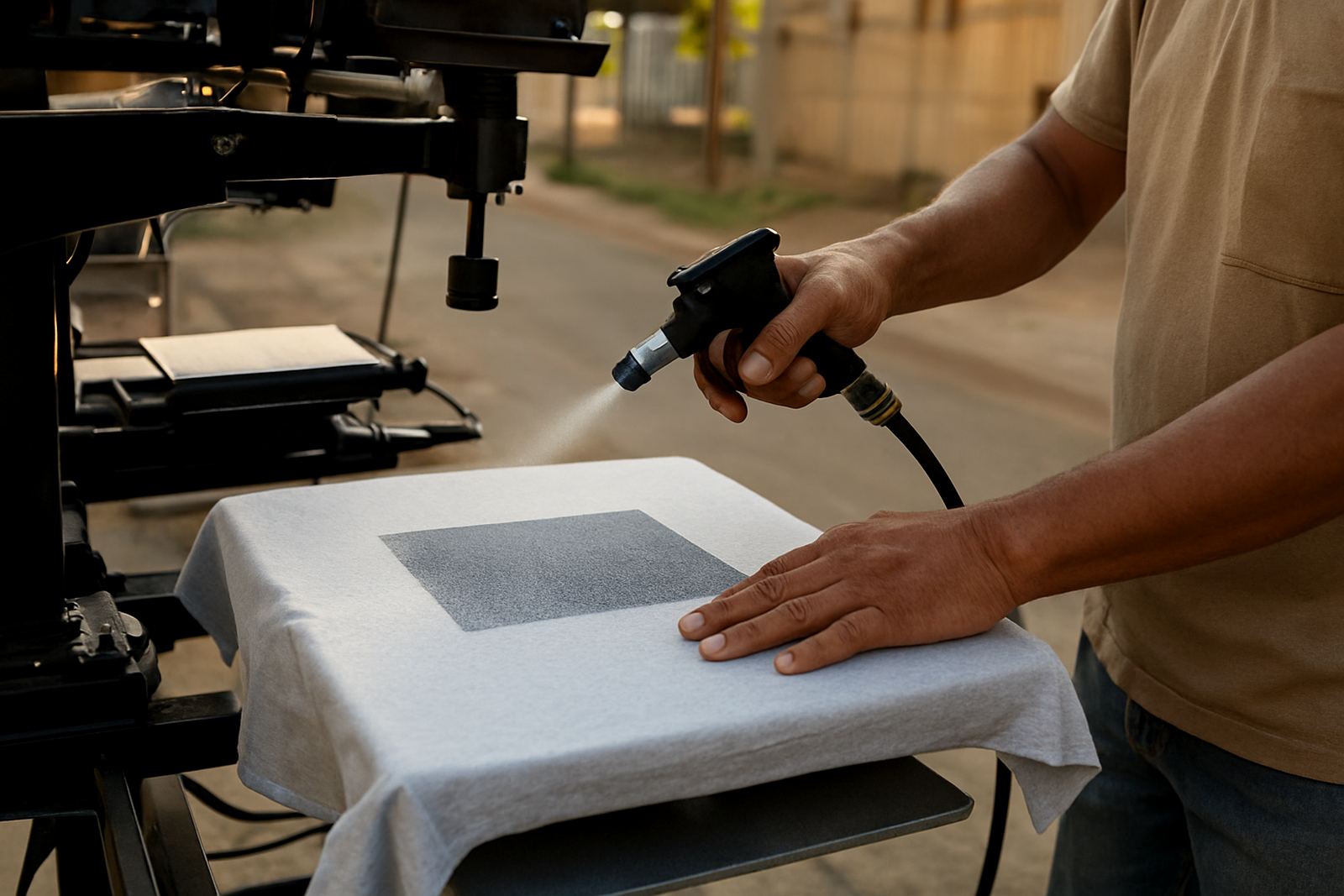
Dark cotton normally needs a fuller pretreat layer than light garments because white ink must sit on top of the fibres, not sink in. The main aim is even coverage. Patchy application leads to grainy whites, weak opacity and fine detail losing its edge. Measure your pretreat in the same way every time, whether you use a hand sprayer, automated applicator or roller system.
Keep the bottle shaken and the nozzle clean. Settled solution can cause streaks and uneven bonding. Apply the pretreat in a steady pass across the print zone, then cross over lightly if needed to cover the edges. Do not flood the shirt. Too much liquid can leave a hard hand-feel, create scorch marks, or make the print area look shiny after pressing.
- Use one measured application method and stick to it
- Cover the full image area plus a small margin around it
- Watch for pooling near seams, collars and hem stitching
- Wipe overspray from the platen before loading the next shirt
Heat Press Settings That Help White Ink Stand Out
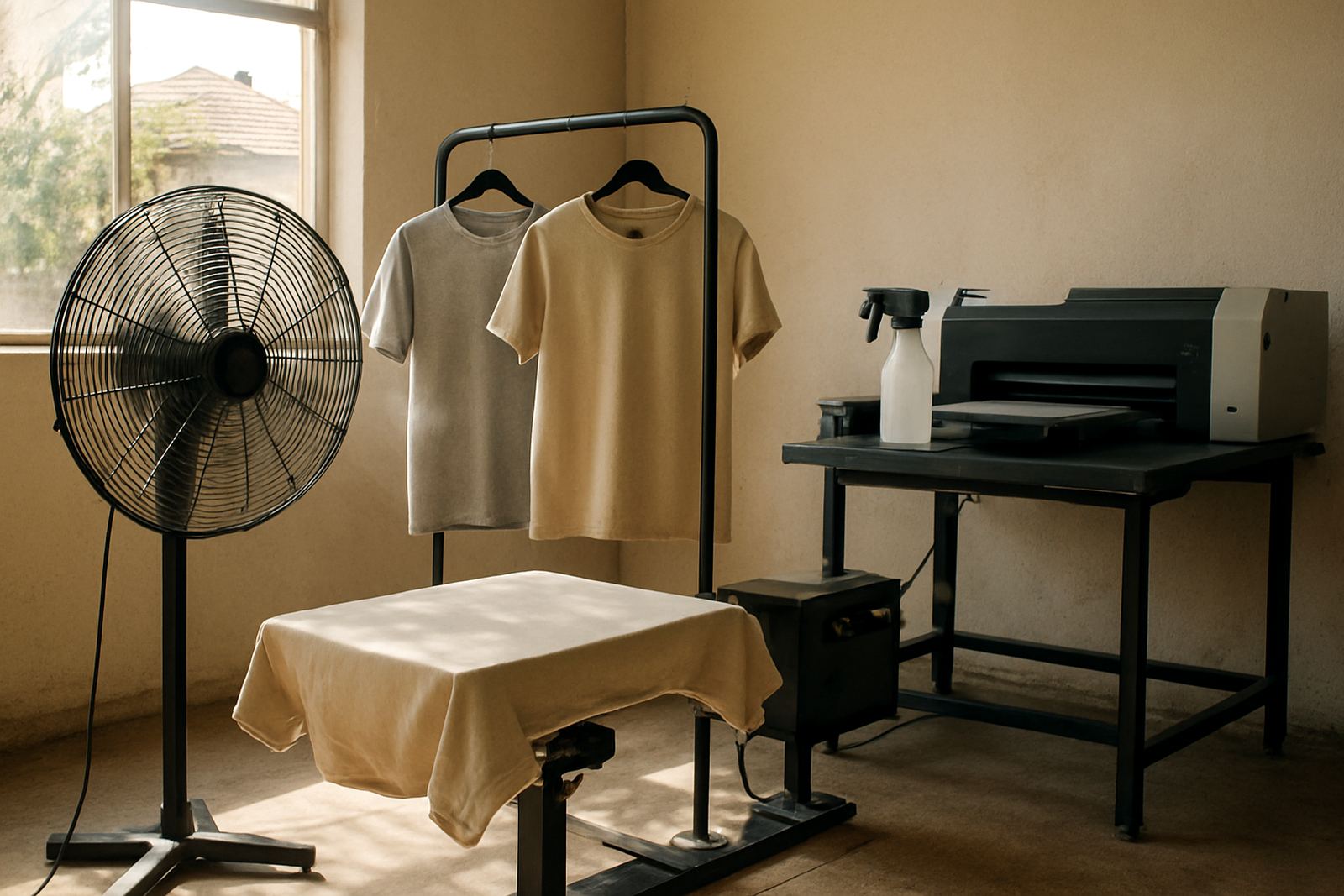
After pretreatment, use heat to lock the coating into the fibre and prepare the surface for printing. The exact settings depend on the garment and pretreat chemistry, but the principle stays the same: enough heat to cure properly, without flattening the weave or scorching the cotton. On many shop floors, a short press with medium pressure gives a better result than a long hard press that crushes the fibres.
Use a protective sheet where needed and press flat from seam to seam. If the shirt shifts even a few millimetres, the print can land off centre and the final white underbase can look skew. After pressing, let the garment cool fully before printing. A hot shirt can cause ink to spread slightly and reduce edge sharpness.
- Check that the platen is clean and free of old adhesive residue
- Use even pressure across the full print area
- Allow the garment to cool before loading into the printer
- Keep a record of settings that work for each fabric type
Set the Platen and Artwork for Cleaner Registration
Good pretreat cannot fix a poor setup. The shirt must sit square on the platen, with the image placed exactly where the operator expects it. If the garment is pulled too tight, the weave can distort and affect how the ink lands. If it is too loose, the print may shift when the platen moves. A steady setup saves time and reduces reprints.
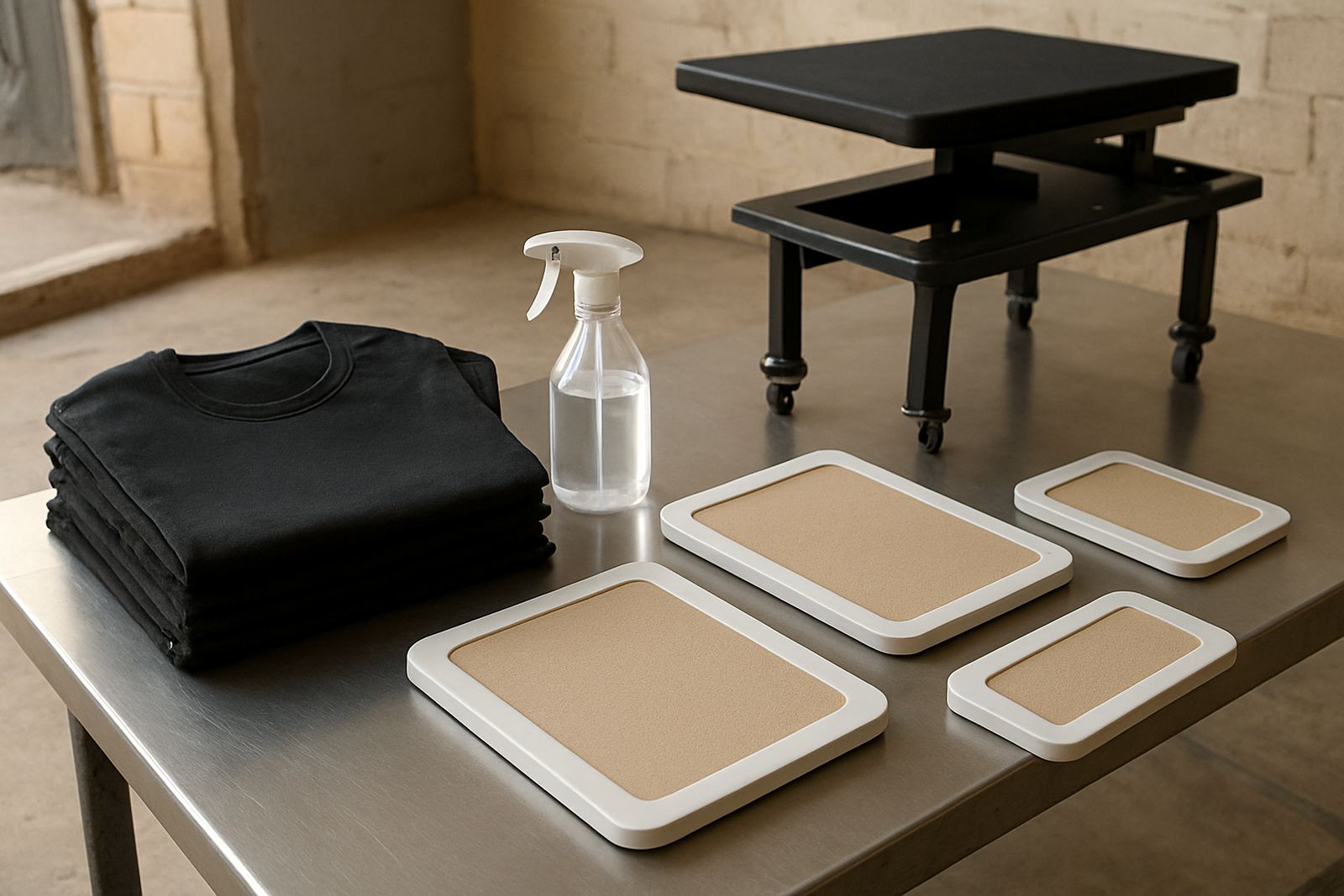
Use the correct platen size for the garment shape. Youth tees, oversized fashion cuts and longline items may all need different support. For shops doing promo work in Sandton, Randburg or Midrand, fast changeovers matter, so keep your platens labelled and your common print positions marked. That way, operators can load quickly without guessing.
- Match the platen to the garment size and print zone
- Align the collar, side seams and centre mark before printing
- Confirm artwork placement on a test shirt before production
- Keep a simple loading routine for all operators on shift
Drying, White Ink and First Print Checks
Once the garment is pretreat treated and cooled, print as soon as practical. Leaving it too long can let dust settle on the surface, which affects adhesion. White ink needs clean contact with the coated fibres, so keep the print room tidy and avoid touching the image area with bare hands. If your shop is running during load-shedding, check that your curing and drying workflow still holds steady when power returns, especially if presses and pre-treatment units are restarted out of sequence.
After the first pass, inspect the print under good light. The white should sit even and sharp, with no pinholes or dull patches. If it looks weak, check pretreat coverage first before changing your print settings. Many operators jump straight to ink changes, but the real issue is often in the shirt prep.
- Print soon after curing and cooling the garment
- Keep lint and dust away from the treated area
- Check for even white coverage before running a batch
- Adjust pretreat first, then fine tune print settings
Batch Control for Shops Handling Daily Orders
Once your process works on a sample, turn it into a repeatable shop routine. Write down the pretreat amount, press time, temperature, platen size and print placement used for each garment type. This is especially useful when more than one operator is loading shirts. A clear routine reduces waste and keeps output more predictable on busy days when courier cut-offs are tight.
For growing shops in Pretoria East, Centurion and the East Rand, scaling up often means more than buying extra equipment. It also means training staff to spot problems early, from fabric moisture to uneven spraying and incorrect loading. A quick daily check can save a run of damaged garments and a lot of frustration, especially on jobs with the same artwork repeated across dozens of shirts.
- Keep a written pretreat log for each fabric type
- Review rejected prints and record the cause
- Train new staff on the same loading and curing routine
- Set aside sample garments for monthly comparison checks